/filters:background_color(white)/2024-10/IG60-BL654 Angle - Large.png)
Enabling HCI Interface
Introduction
A HCI interface can be implemented in lieu of smartBasic on IG60-LL. The benefit of making this change to the firmware is the ability to use the BL654 with standard tools such as bluetoothctl.
Prerequisites
For this project you will need:
- IG60-LL that includes an internal BL654. The part numbers for this device are 455-00076 or 455-00088 (LTE)
- MicroSD card to install Linux
- Workstation with Linux installed
- Network connection to the IG60 to copy files with SCP. By default, wired connections are configured for DHCP. To set a static address a serial connection is also required.
- microSD card
Optional:
- BT510 or other bluetooth device
Software Configuration
Provision microSD with Summit Linux
Build Summit Linux, or download and flash the prebuilt image from our GitHub repository:
Build or download hci_uart.hex
To build the hci_uart example for BL654_DVK, download the hci_uart sample found at:
https://docs.zephyrproject.org/latest/samples/bluetooth/hci_uart/README.html
Before compiling, set the offset for the bootloader.
vi samples/bluetooth/hci_uart/prj.confAdd the following line:
CONFIG_FLASH_LOAD_OFFSET=0x1000Compile the example. Use the -d switch to direct the output to a folder, for example:
west build -b bl654_dvk samples/bluetooth/hci_uart --pristine -d my_firmwareIf you're unable to compile, a pre-built zephyr.hex is included in the next section.
Download and copy these files to your IG60
The files below are contained in this repo in this zip file:
- zephyr.hex
- Ubutil_Linux_RPi
- bl654_bl_util.py
- btpa_firmware_loader.py #this file is already present in the default Summit Linux build in the /bin folder
Flashing the BL654
Add execute permissions.
chmod +x UBUtil_Linux_RPiUBUtil is used to generate key pairs and firmware update images as follows:
./UBUtil_Linux_RPi --create-key hci_uart.pem

./UBUtil_Linux_RPi --application-key-file hci_uart.pem --a0-version 43 --a0-compressed --a0-target 0 --a0-startaddress 0x1000 --a0-filetype 1 --a0-filename  zephyr.hex --a0-keytype 1 --append-pub-key --output hci_uart.hex --ubu-output hci_uart.uwf --ubu-platform 5ECB654F --ubu-flash-size 2097152 --ubu-sector-size 4096 --ubu-base-address 0 --ubu-align-length 4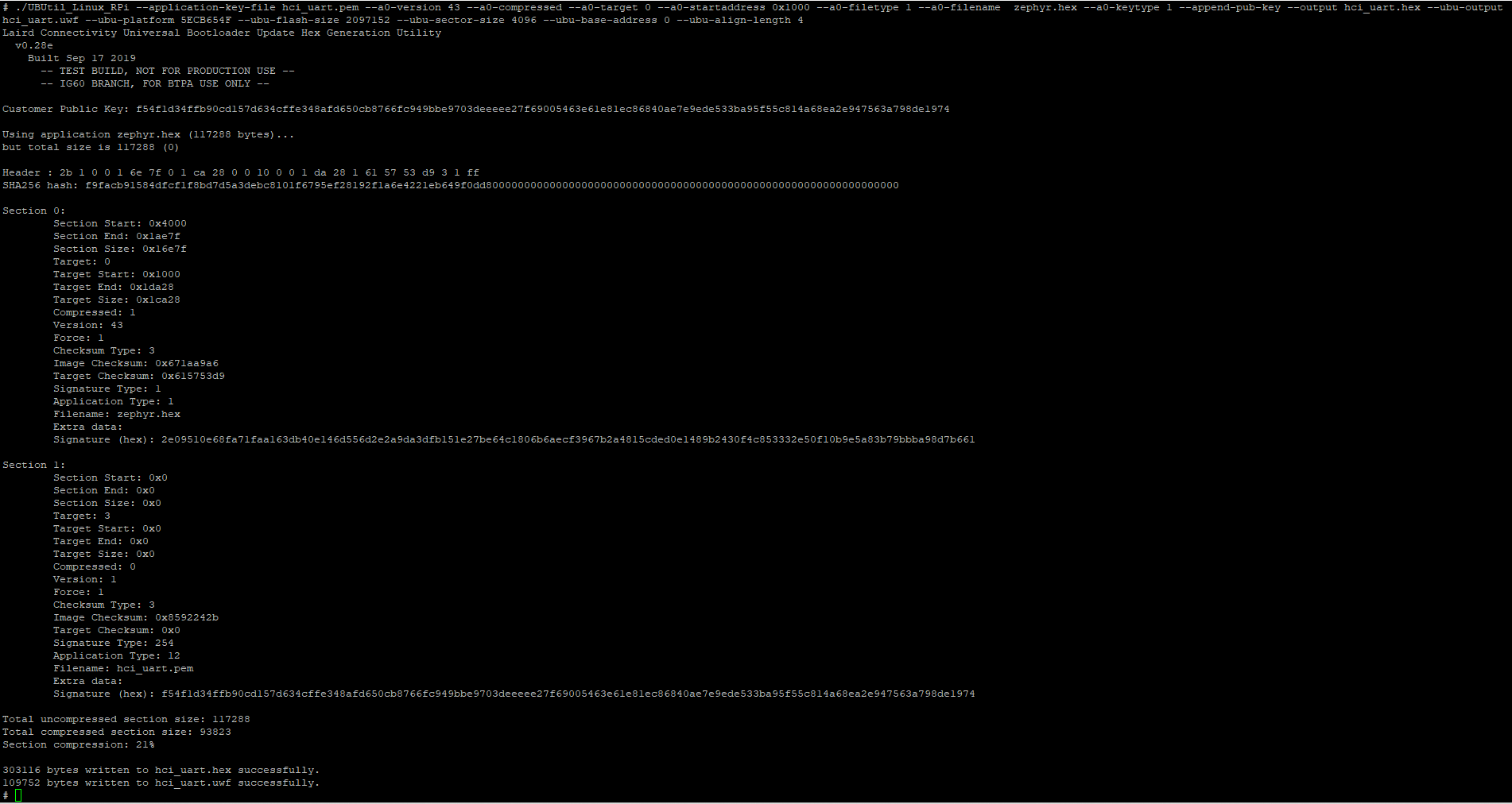
Use the python script "bl654_bl_util.py" to erase the existing firmware and key.
python bl654_bl_util.py eraseFlash the signed firmware file to the BL654.
python btpa_firmware_loader.py /dev/ttyS2 115200 hci_uart.uwfVerify the app version is “43”.
python bl654_bt_util version
Starting the HCI interface and using Bluetoothctl
The final step is to create an HCI interface is to use btattach on the serial interface.
btattach -B /dev/ttyS2 -P h4 -S 115200 &Verify there are two HCI interfaces.
ls /sys/class/bluetooth/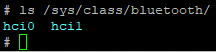
Use Bluetoothctl to control the HCI and pair with a device.
bluetoothctl In the bluetoothctl shell, list the interfaces.
listThe show command will show the attributes of each interface
show <mac>Select the interface you wish to use.
select <mac>Begin scanning.
scan on
scan off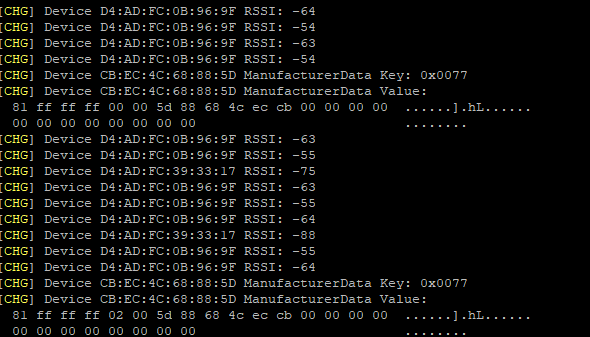
Display a list of detected devices.
devices
Pair with your desired device.
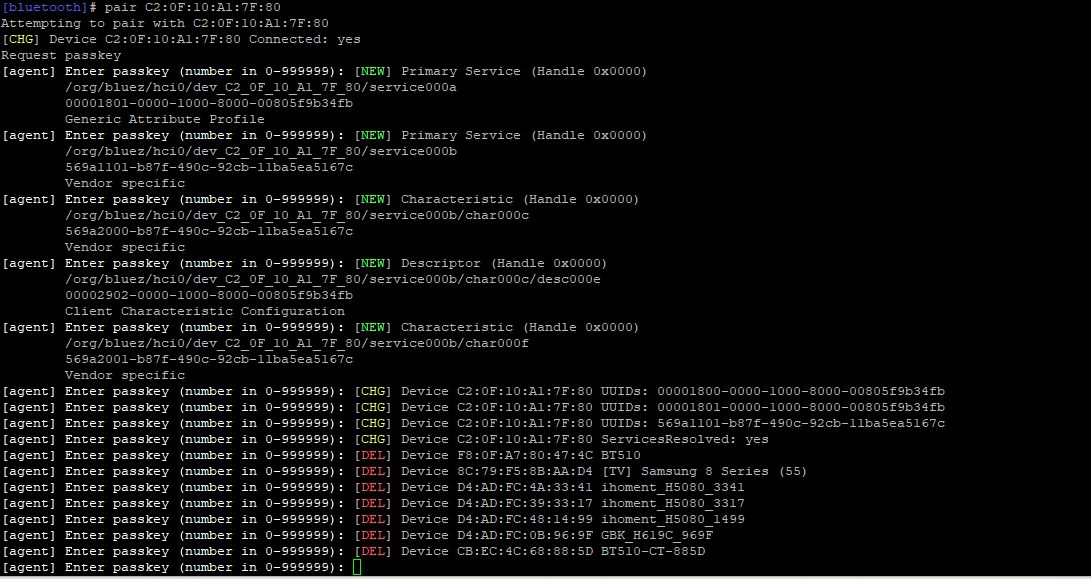
pair <mac>
trust <mac>