/filters:background_color(white)/2024-10/Nitrogen 8M Mini SMARC1.267 without wireless.png)
/filters:background_color(white)/2024-03/N8ULP_SOM_BRD_REV11A-P1_20230721-flat%20right.219.png)
Enabling .NET Support in Yocto using Meta Mono Layer
In this post, we will provide instructions on how to enable .NET support in yocto, specifically using the dotnet and mono frameworks. We will demonstrate some basic dotnet- and mono-based hello world examples using our Nitrogen8MP SMARC platform, but this support can be enabled across all of our i.MX8 platforms.
Build procedure
First, we can start off by following the steps in our latest Yocto Mickledore Release and build for the nitrogen8mp machine.
Next, we need to add the meta-mono repo as part of our yocto sources. Navigate to the sources directory:
~/mickledore$ cd sources
~/mickledore/sources$
Now we can clone the meta-mono repo:
~/mickledore/sources$ git clone https://git.yoctoproject.org/git/meta-mono -b mickledoreSecondly, we need to add this layer to bblayers.conf and it can be done from the top level of the build directory as follows:
~/mickledore/build$ echo 'BBLAYERS += "${BSPDIR}/sources/meta-mono"' >> conf/bblayers.conf Lastly, we need to enable the dotnet and mono recipes/packages in local.conf to be built into the yocto OS image and we can do that from the top level of the build directory as follows:
~/mickledore/build$ echo 'IMAGE_INSTALL:append = " mono mono-helloworld dotnet dotnet-helloworld"' >> conf/local.confNow you can rebuild and reflash the image onto the platform and have the proper packages installed.
dotnet Helloworld example
We can run a a basic dotnet hello-world example using the installed binary:
root@nitrogen8mp:~# dotnet /opt/dotnet-helloworld/dotnet-helloworld.dll
Hello, World!
mono helloworldform
We can display a window on top of weston using mono and the helloworldform example:
root@nitrogen8mp:~# export DISPLAY=:0
root@nitrogen8mp:~# helloworldform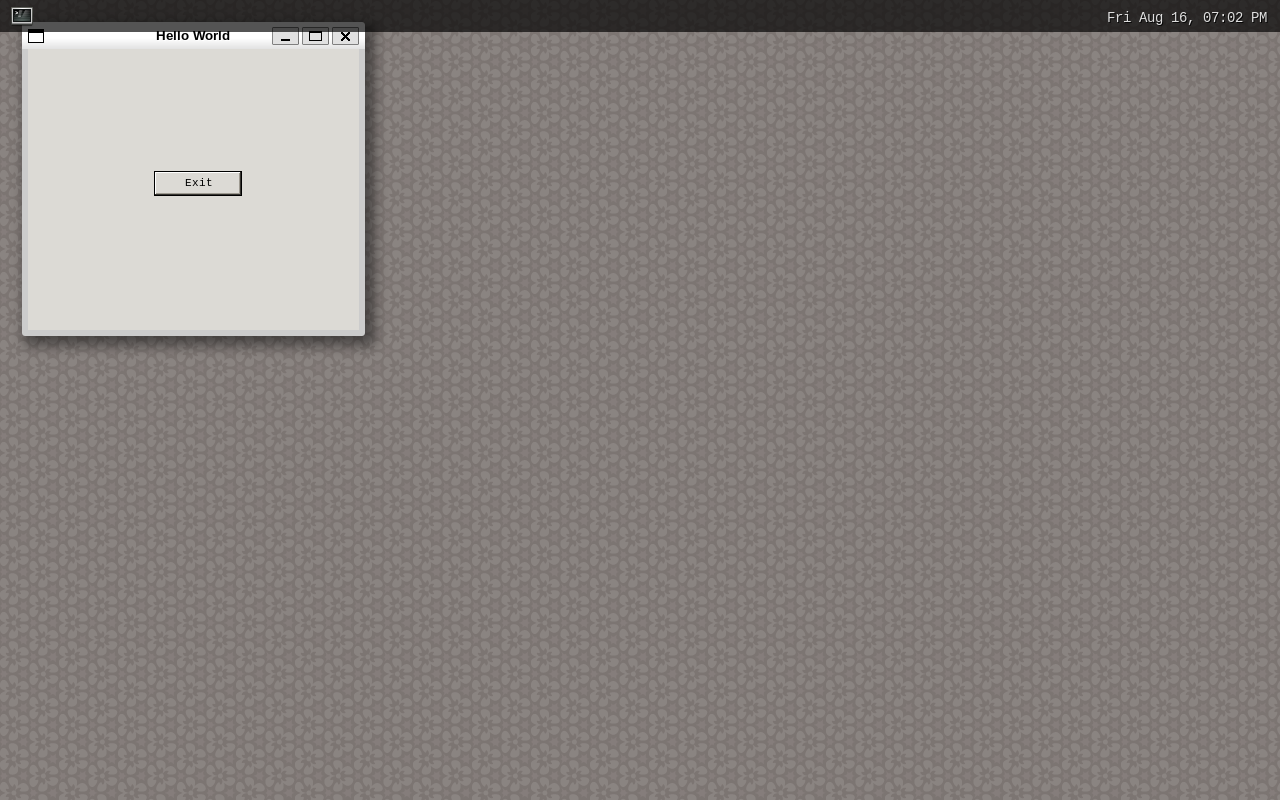
mono helloworldgtk
We can also display a window on top of weston using mono and the helloworldgtk example:
root@nitrogen8mp:~# export DISPLAY=:0
root@nitrogen8mp:~# helloworldgtk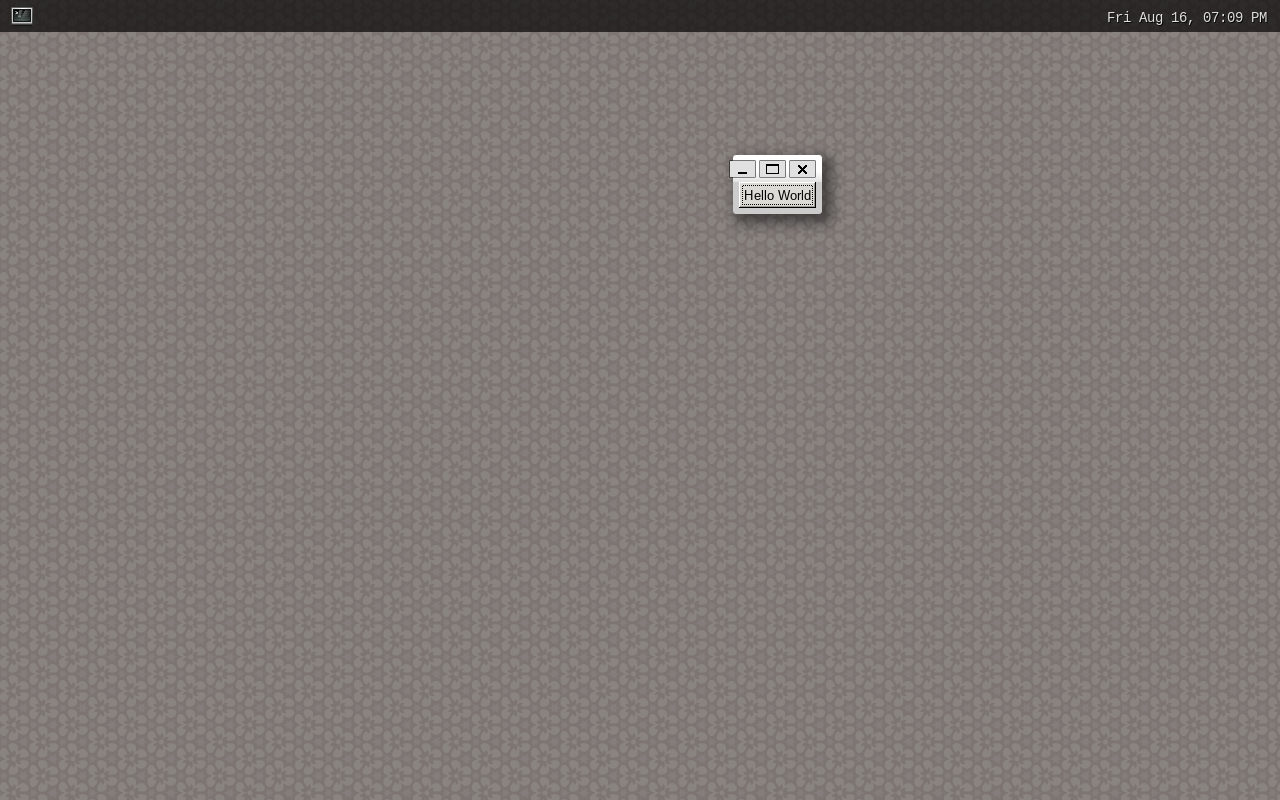
There you have it! You now have .NET support in yocto and instructions to get you started.
If you have any issues, please email support@boundarydevices.com