/filters:background_color(white)/2024-10/BL654-Series.png)
Introduction
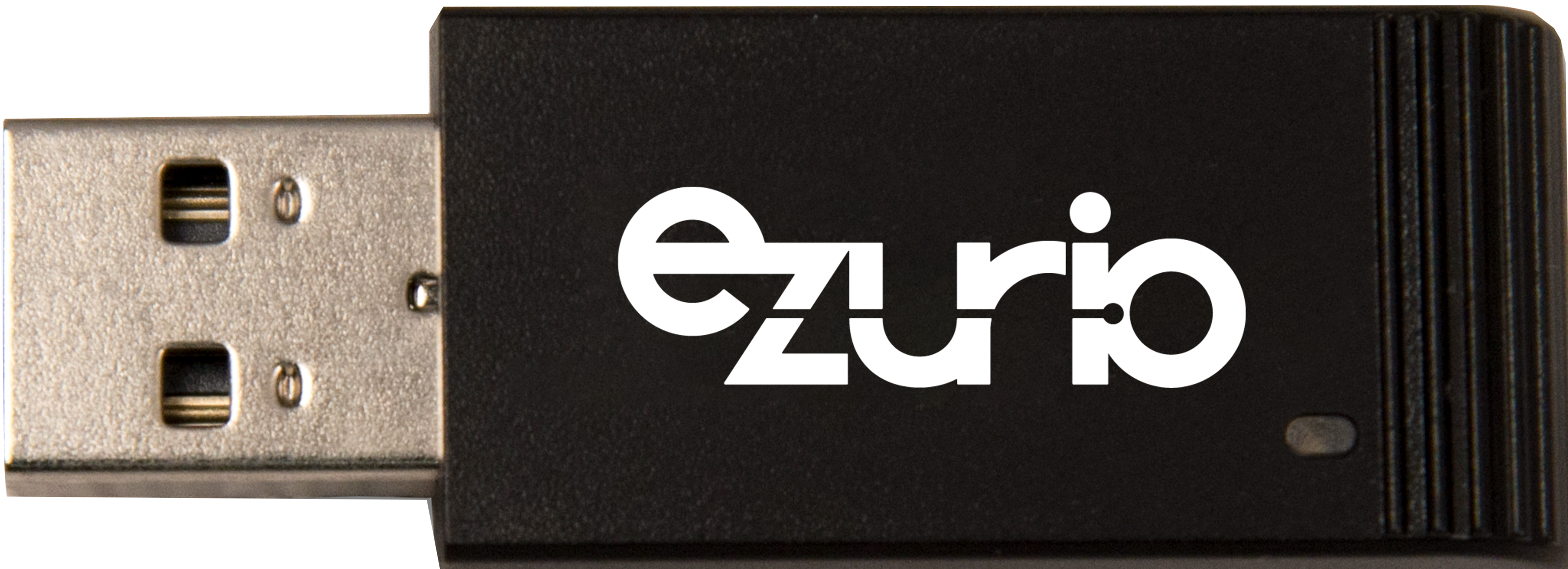
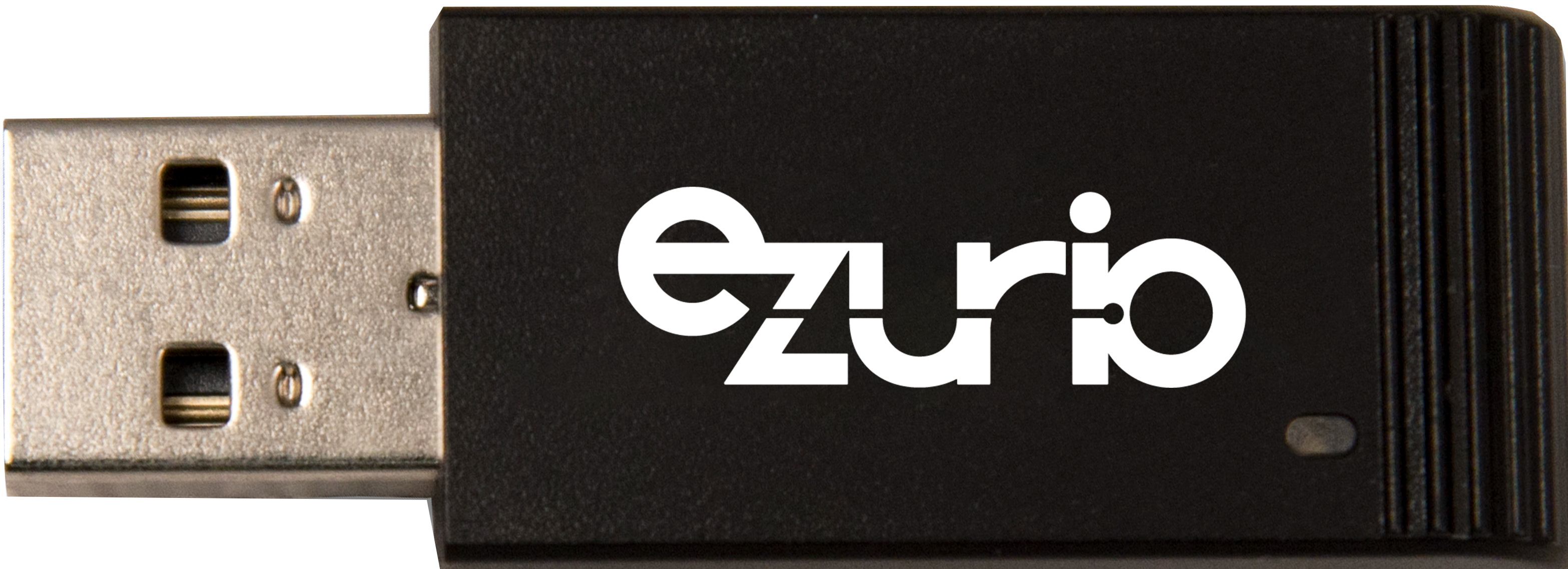
Powered by Nordic’s nRF52840 silicon, the small form factor BL654 module with an integrated antenna is embedded inside the robust, packaged USB adapter. The BL654 USB Adapter variant #451-00004 enables complete flexibility to utilize the hardware with the Nordic SDK and Zephyr environments. In addition, it can be loaded with Nordic’s nRF Sniffer firmware to turn it into a powerful debugging tool. Bluetooth Low Energy packets, both advertising and connection, can be displayed in near real time, even when encrypted.
It is particularly useful when learning about Bluetooth LE as the user can see the exchange of over-the-air packets, such as requests and associated responses. Normally Bluetooth sniffers can cost thousands of dollars but a BL654 USB Adaptor can provide much of the functionality of a more expensive sniffer for the fraction of the price.
Note: The BL654 adaptor cannot replace the full functionality of a high-end sniffer but can still be a useful tool in many situations.
Requirements
- Ezurio #451-00004 BL654 (nRF52840) Bluetooth v5 Adapter – Nordic SDK/Zephyr
- Wireshark v2.4.6 or later
- Python v3.6 or later
- Nordic nrf_sniffer_for_bluetooth_le_3.1.0_7cc811f .zip or later
- Nordic nRF Connect for Desktop
- Windows 7 or later, 64-bit OS X 10.6 or later, Linux
- Segger JLink
- Optional USB extension cable to allow more flexibility in locating the BL654 adaptor during sniffing sessions
Note: The BL654 Bluetooth v5 Adaptor for smartBASIC (451-00003) is not suitable for use with the nRF Sniffer.
Nordic nRF Sniffer for Bluetooth LE
You can find the complete nRF Sniffer instructions on the Nordic Semiconductor nRF Sniffer webpage but specific information relating to using the sniffer with a Ezurio BL654 (451-00004) adaptor can be found in the following sections.
Firmware
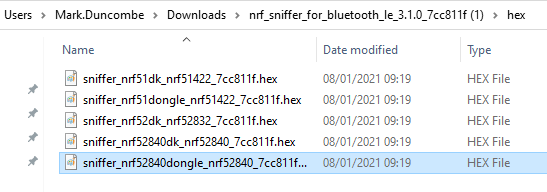
You must load the Nordic nRF Sniffer firmware onto the BL654 as detailed in the Nordic instructions (nRF Sniffer webpage). When choosing the hex file, please use the hex file for the nRF52840 dongle (Figure 1).
The nRF Sniffer firmware can be downloaded from the nRF Sniffer webpage.
<user name>
Note: If you are prompted to reset the BL654 adapter while loading the firmware, please press the reset button on the BL654 USB adapter.
You do not need any Ezurio-supplied software to use the BL654 adapter. The freely available Wireshark network protocol analyzer software is used as the sniffer interface. Wireshark is licensed under the GNU General Public License, V2 and is available to download for free.
Nordic provides an external capture plugin and Python scripts to allow Wireshark to work with nRF52840 based hardware running as a sniffer.
Complete instructions for installing can be found on the Nordic semiconductor nRF Sniffer webpage.
Note: It is important to have the folder/file structure match the one described by the Nordic nRF sniffer instructions, in particular the folder C:\Program Files\Wireshark\extcap.
Running
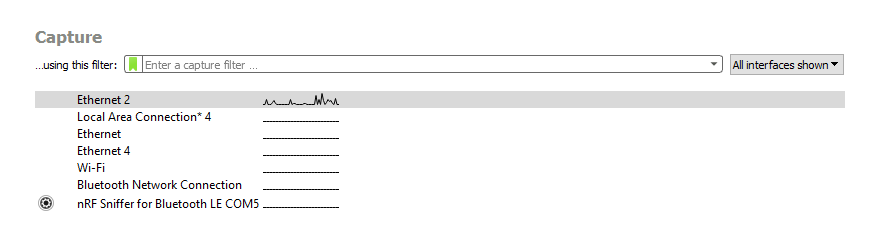
When you run Wireshark, you are presented with a list of capture interfaces. It may take a few seconds for the sniffer hardware to appear. If the nRF Sniffer for Bluetooth does not appear, close Wireshark, unplug the BL654 adapter, plug the adapter back in, and restart Wireshark.
Instructions for common sniffer tasks can be found on the Nordic semiconductor nRF Sniffer webpage.
These instructions include the following:
- Capturing advertisement packets
- Capturing connection packets
- Capturing connection packets between paired devices (the sniffer must have captured the pairing process)
Wireshark is highly configurable, and it is possible to filter packets in multiple ways, for example by Bluetooth address.
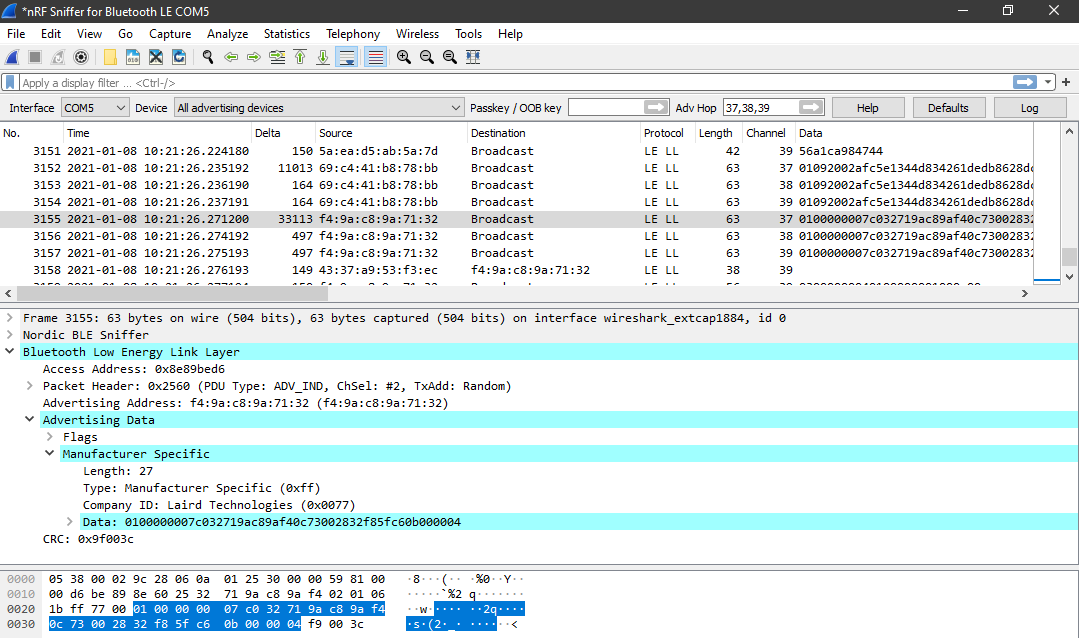
Note: Due to different GPIO mapping, the BL654 Bluetooth adapter does not show packet activity via the adapters LED.
Appendix: Useful Links
- Ezurio BL654 USB Dongle Quick Start Guide:
https://www.ezurio.com/documentation/user-guide-bl654-usb-nordic-sdk-zephyr - Nordic Semiconductor nRf Sniffer web page:
https://www.nordicsemi.com/Software-and-tools/Development-Tools/nRF-Sniffer-for-Bluetooth-LE - Nordic Semiconductor Info Centre nRF Sniffer page:
https://infocenter.nordicsemi.com/topic/ug_sniffer_ble/UG/sniffer_ble/intro.html - nRFConnect for Desktop (for programming firmware):
https://www.nordicsemi.com/Software-and-tools/Development-Tools/nRF-Connect-for-desktop - Nordic DezZone (for sniffer support):
https://devzone.nordicsemi.com/ - Trouble shooting nRF Sniffer:
https://infocenter.nordicsemi.com/topic/ug_sniffer_ble/UG/sniffer_ble/troubleshooting.html - Wireshark:
https://www.wireshark.org/ - Python:
https://www.python.org/ - Segger Jlink:
https://www.segger.com/downloads/jlink/#J-LinkSoftwareAndDocumentationPack
| Version | Date | Notes | Contributor(s) | Approver |
|---|---|---|---|---|
| 1.0 | 04 Feb 2021 | Initial Release | Mark Duncombe Jamie McCrae | Jonathan Kaye |
| 2.0 | 15 Apr 2025 | Ezurio rebranding | Sue White | Dave Drogowski |